📸 Automating YouTube with Puppeteer, Simulating Vision Deficiencies and Capturing Screenshots
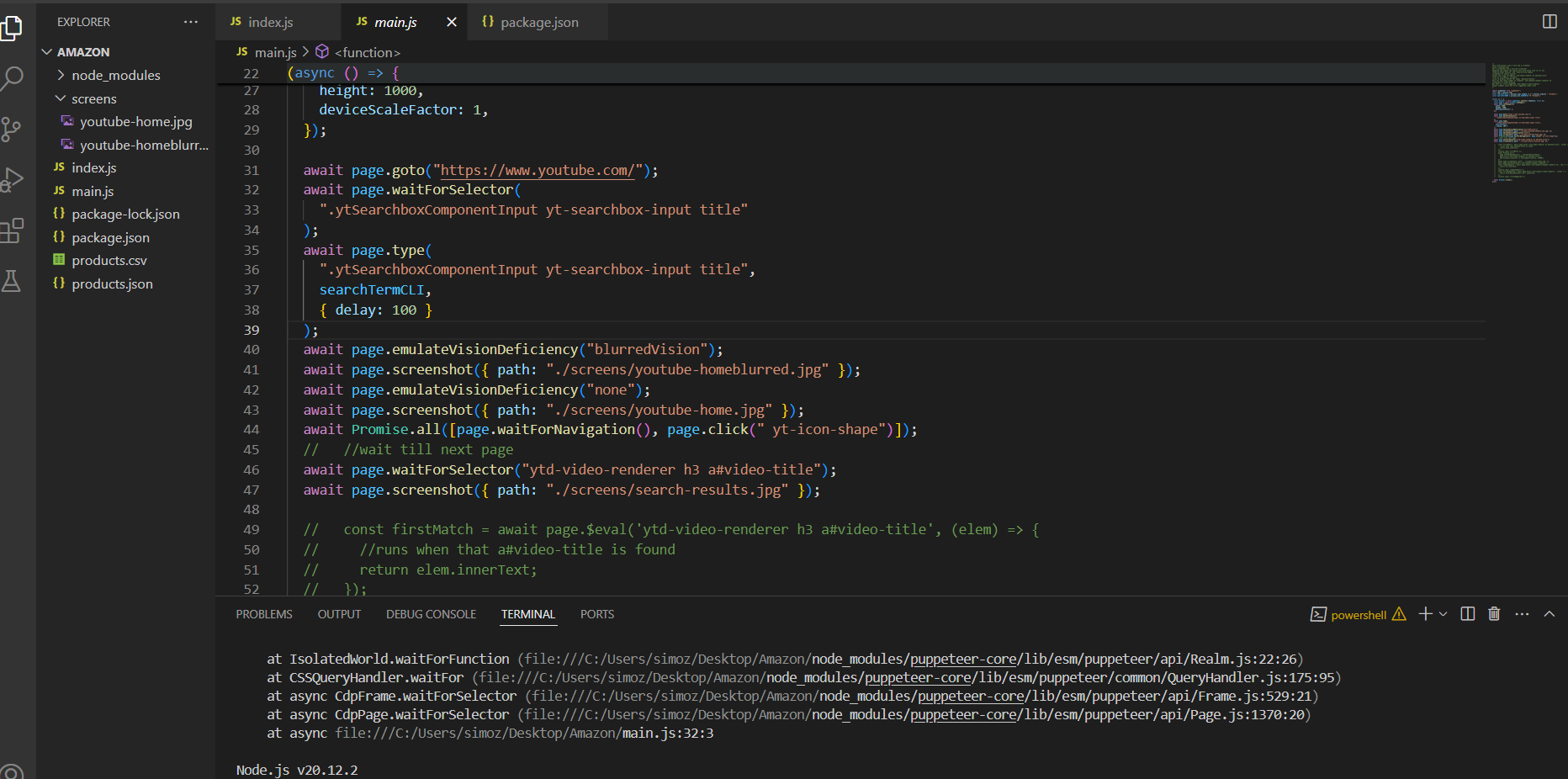
In today’s world of web automation, Puppeteer stands out as one of the most powerful tools for headless browser scripting. In this article, we’ll explore a practical Puppeteer script that demonstrates how to automate a YouTube search, simulate vision deficiencies, and capture screenshots at multiple stages in the browsing flow.
🔧 What the Script Does
This Node.js script uses Puppeteer to:Launch a headless Chromium browser.
Navigate to YouTube.
Type a search query into the search box with a simulated typing delay.
Emulate a vision deficiency (blurred vision).
Take screenshots before and after simulating the deficiency.
Click the search button.
Wait for the search results to load.
Take a screenshot of the search results.
🧠 Key Concepts Demonstrated
Vision Deficiency Emulation The script uses page.emulateVisionDeficiency() to simulate how a visually impaired user might experience the site.
🧪 Why This Script Is Useful
This script is a powerful demo of:✅Automated UI testing
✅Accessibility testing
✅Browser behavior simulation
✅Visual regression testing